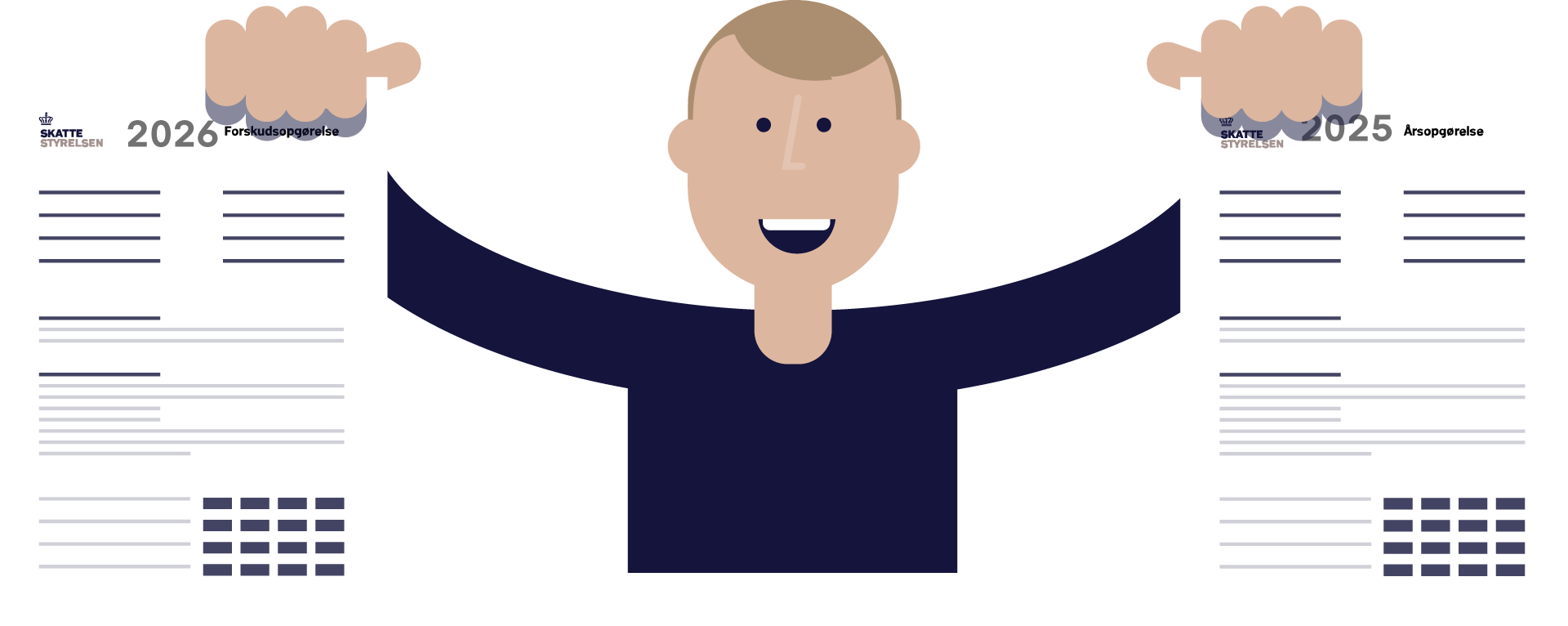
See your tax assessment notice
Your tax assessment notice/annual tax statement is your tax overview of the past calendar year. It shows your income and deductions and how much tax you have paid.
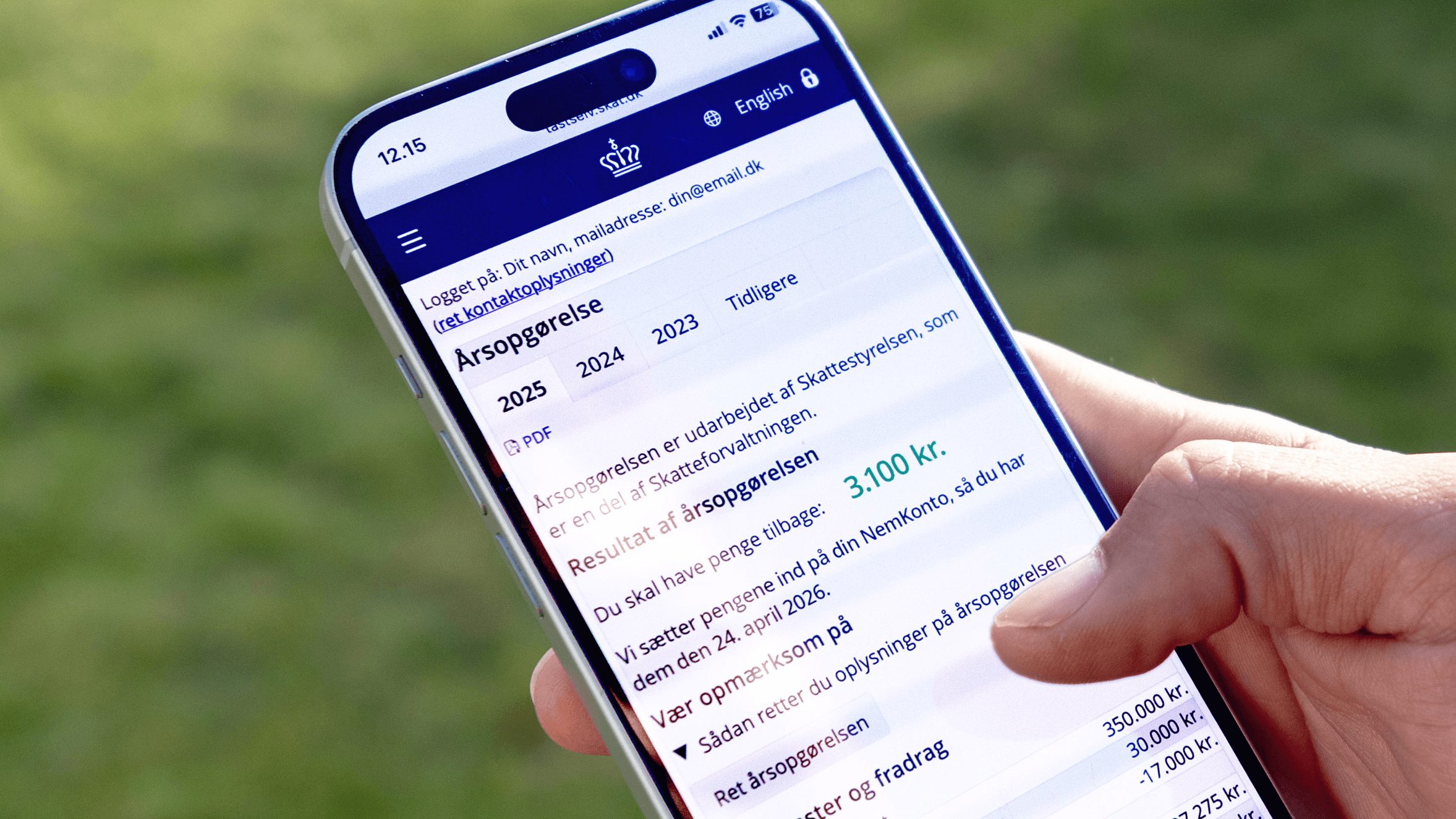
You can see your tax statement in E-tax (TastSelv) from 23 March 2026.
There, you can see if you're entitled to a tax refund or if you have paid too little tax last year.
Check that the information is correct.
Update amounts and information if you have any changes.
It's your responsibility to enter relevant information. Take good care of your MitID so other people won't get access to your information.
Log on to see your tax assessment notice/annual tax statement:
- Log on to E-tax for individuals (TastSelv Borger)
- Select See tax assessment notice
- At the top of your notice it says if you will get a refund or have to pay outstanding tax.
Facts
We get most of the information for your tax assessment notice/annul tax statement for the past calendar year automatically. If you find that the information is incorrect, the reason may be that:
- You haven't changed your preliminary income assessment/your tax budget when your income and tax changed.
- You have used your primary tax card with more than 1 employer/provider. This way you pay too little tax. You should only let 1 employer/provider use your primary tax card. Read more about the 3 types of Danish tax cards - primary, secondary and tax-exemption card.
- You have forgotten to enter your transport deduction in your tax budget and as a result you didn't get the deduction.